Start your plan
Starter, Team or Business, 14 days free, monthly or yearly. Enter your company data, upload logo and stamp. You are the admin - and your own seat is free.
For companies · Android & Windows
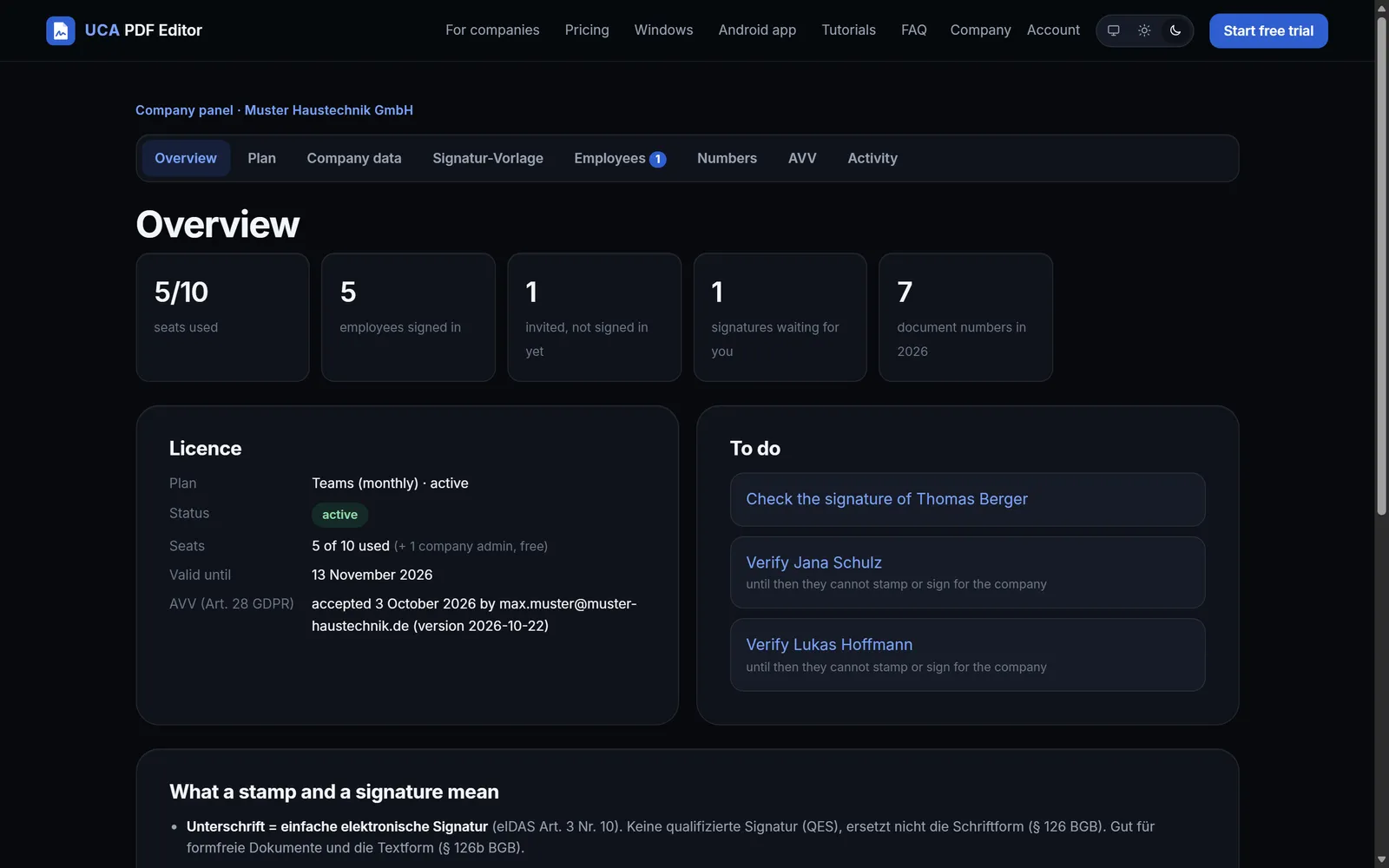
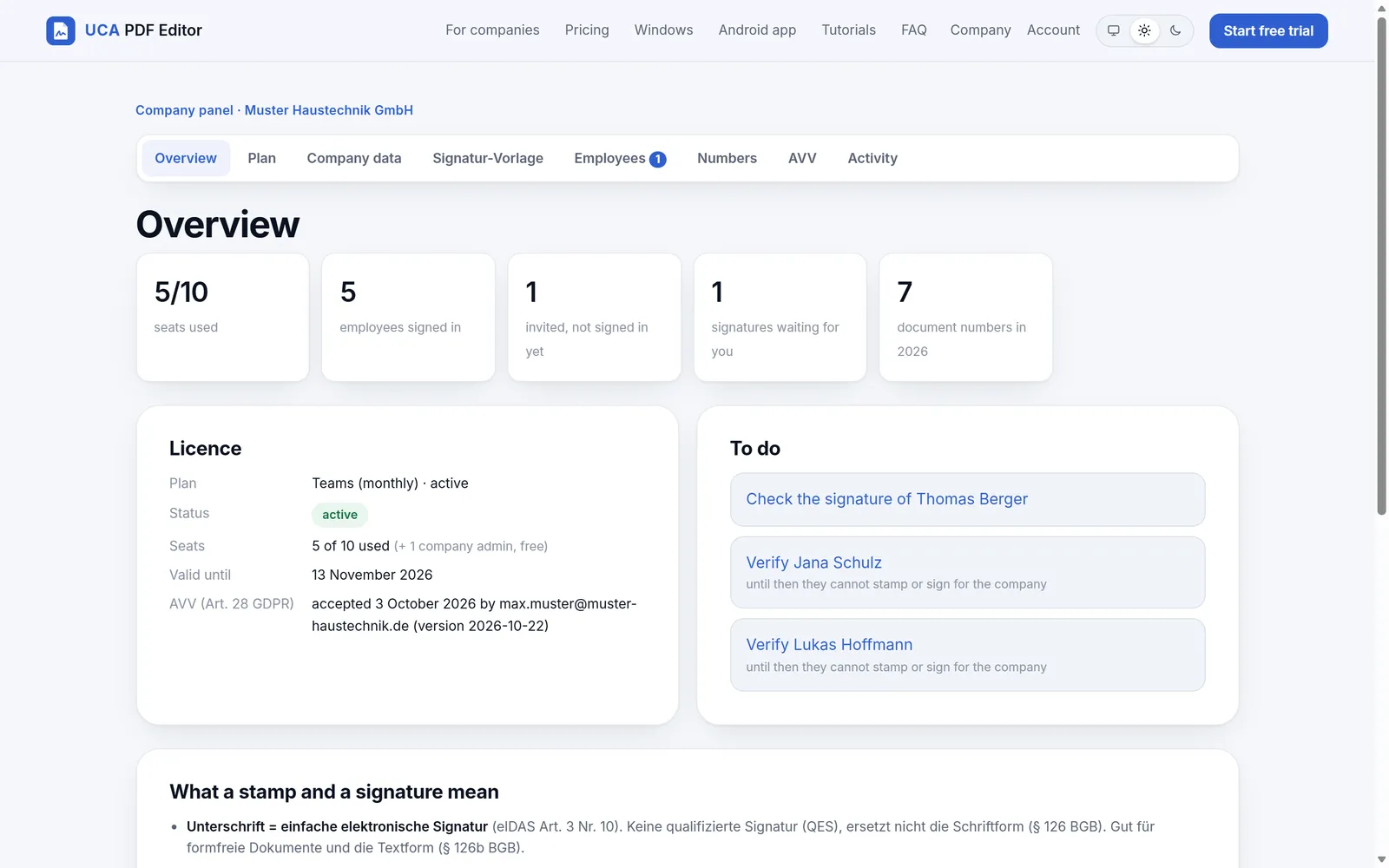
Your company stamp, approved signatures and letterhead for every employee - on the phone at the site and on the PC in the office. You keep control in one panel.
Starter 12,90 € · Team 29 € · Business 89 € per month, or yearly with 2 months free - net plus 19 % VAT · for businesses only (§ 14 BGB). Your own admin seat is free.
Video
Invite, set signing authority, design the signature, approve it, stamp - watch once, understand it all.
How it works
No IT project, no passwords to hand out. Your team signs in with their company e-mail and a code.
Starter, Team or Business, 14 days free, monthly or yearly. Enter your company data, upload logo and stamp. You are the admin - and your own seat is free.
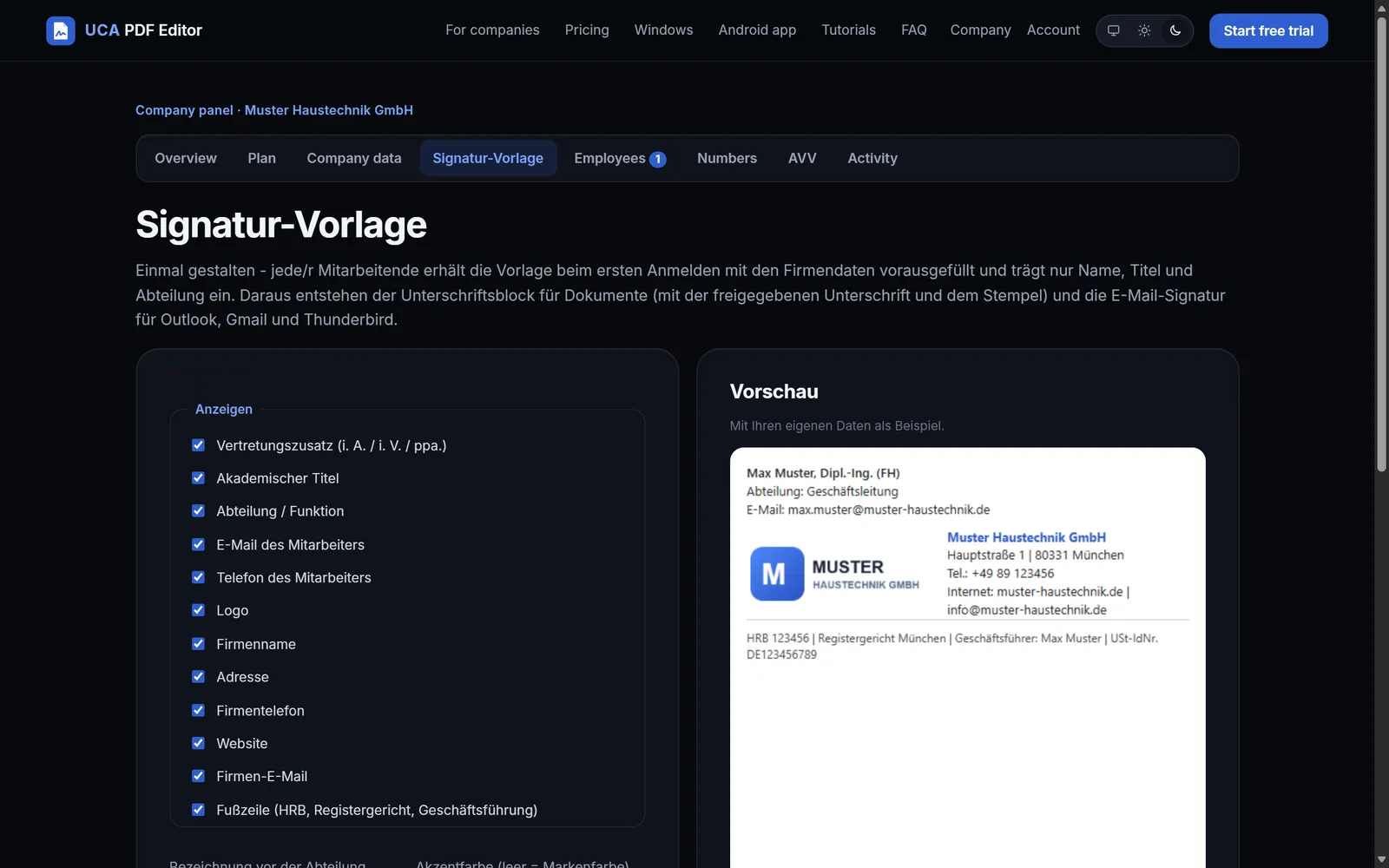
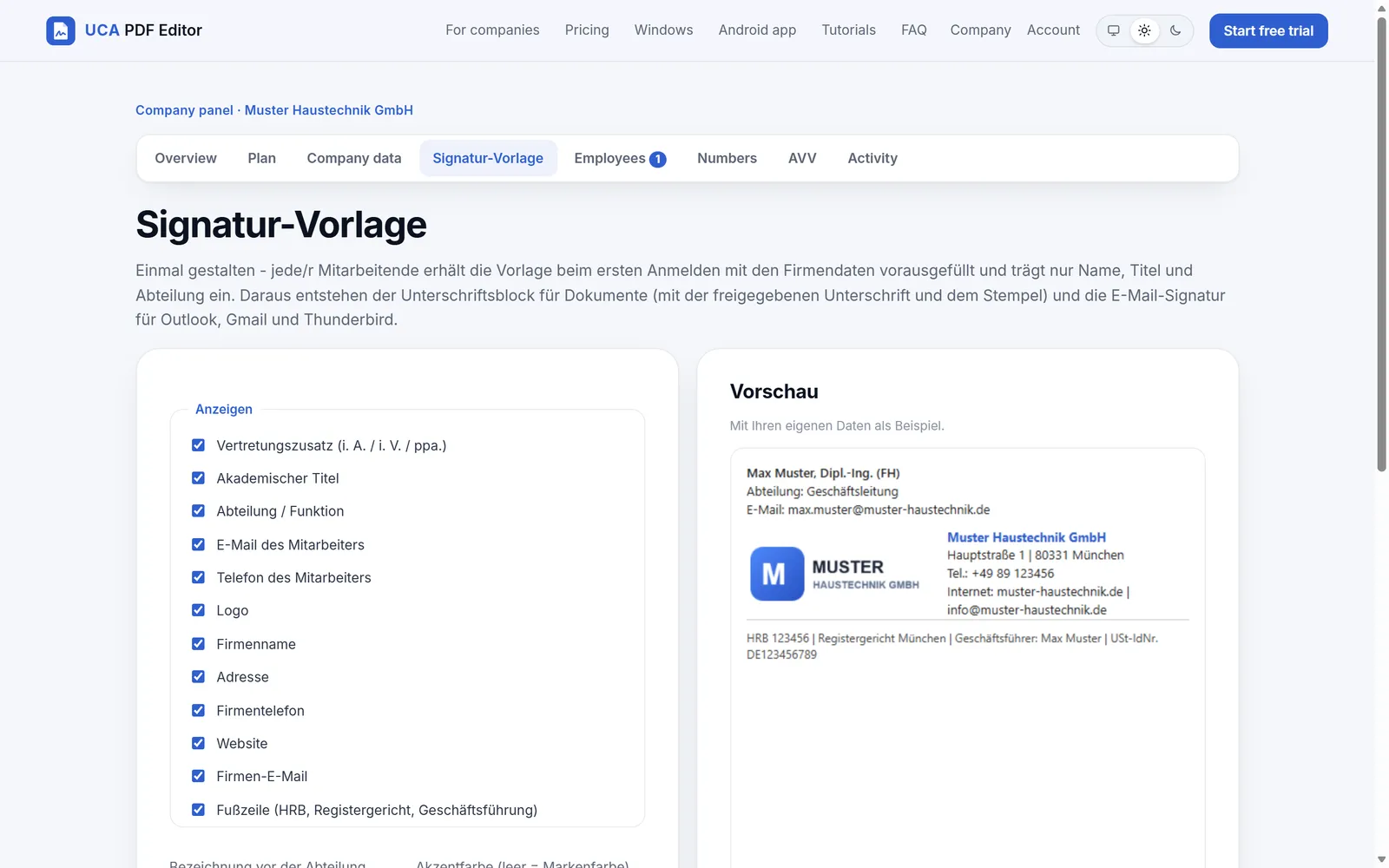
One template for everyone: authority, name, academic title, department, logo, address, register data. It also becomes the e-mail signature for Outlook.
Type the e-mail addresses, the invitations go out by themselves. Employees sign in, draw their signature, you approve it with one click.
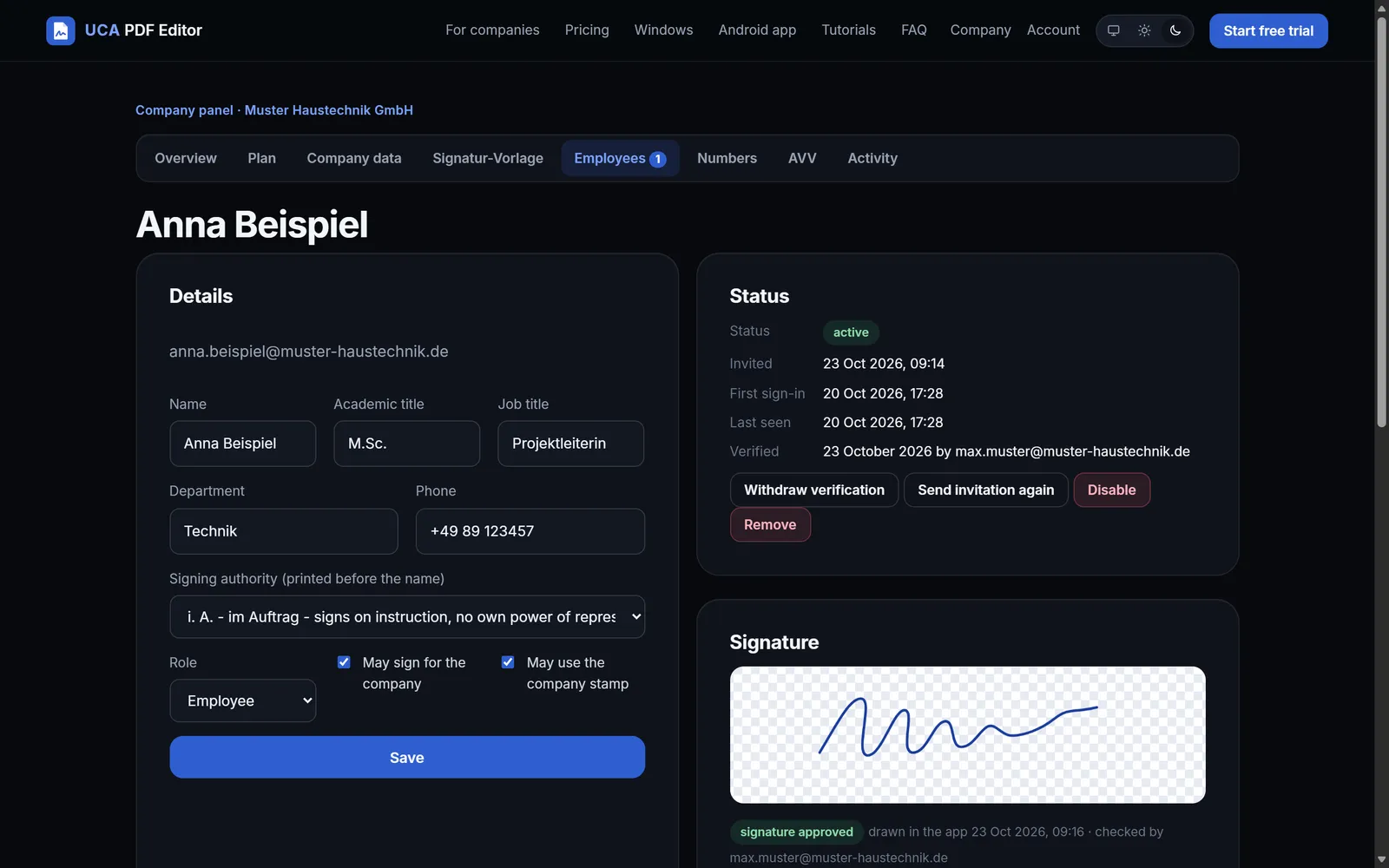
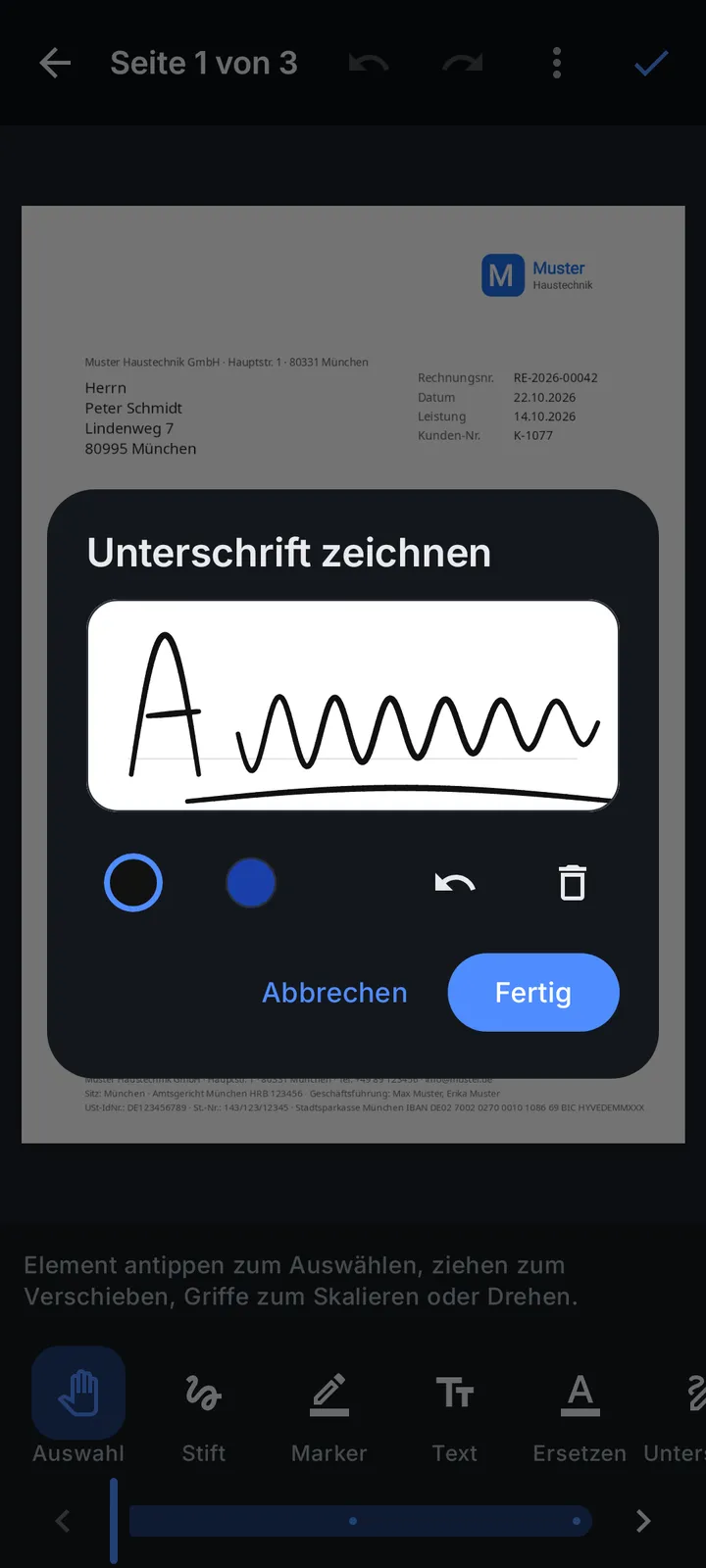
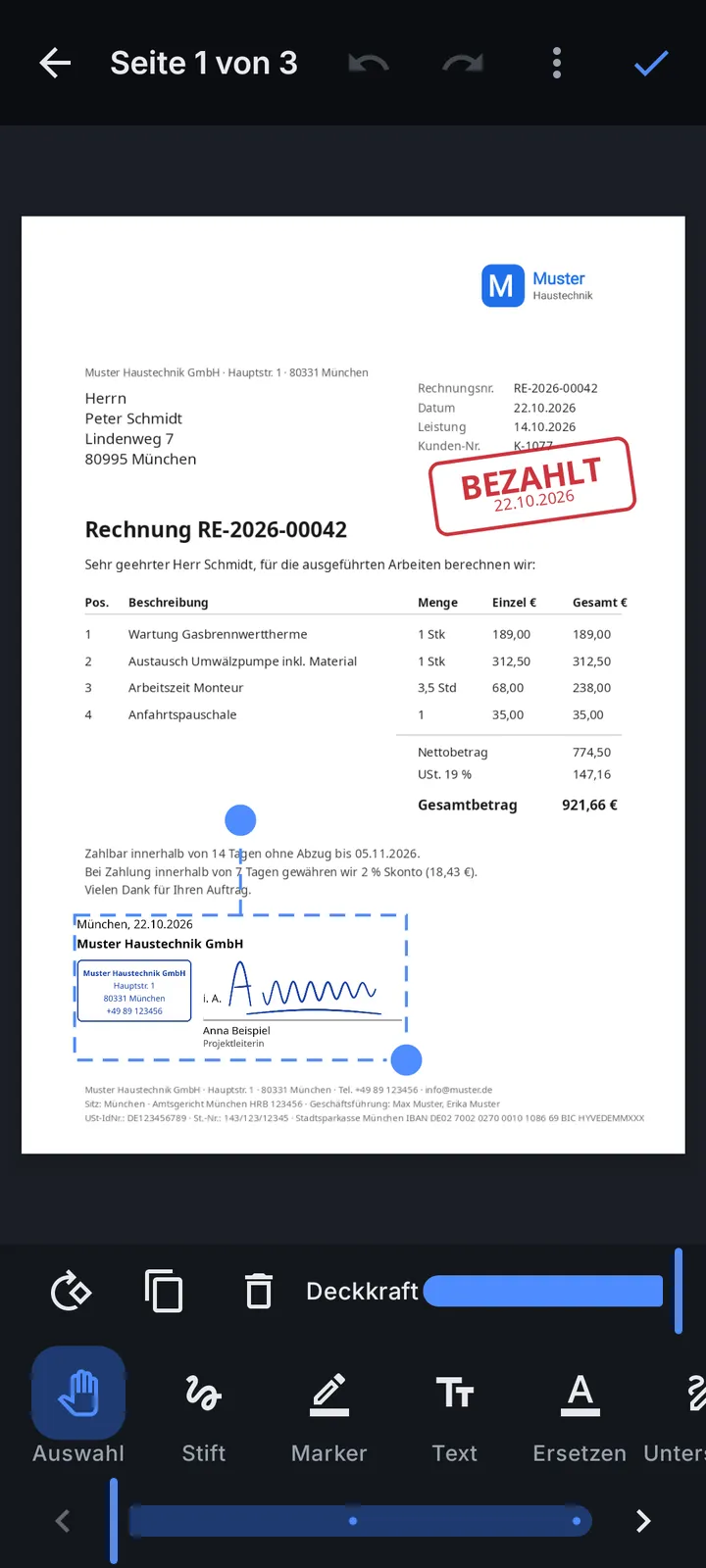
In your team's hands
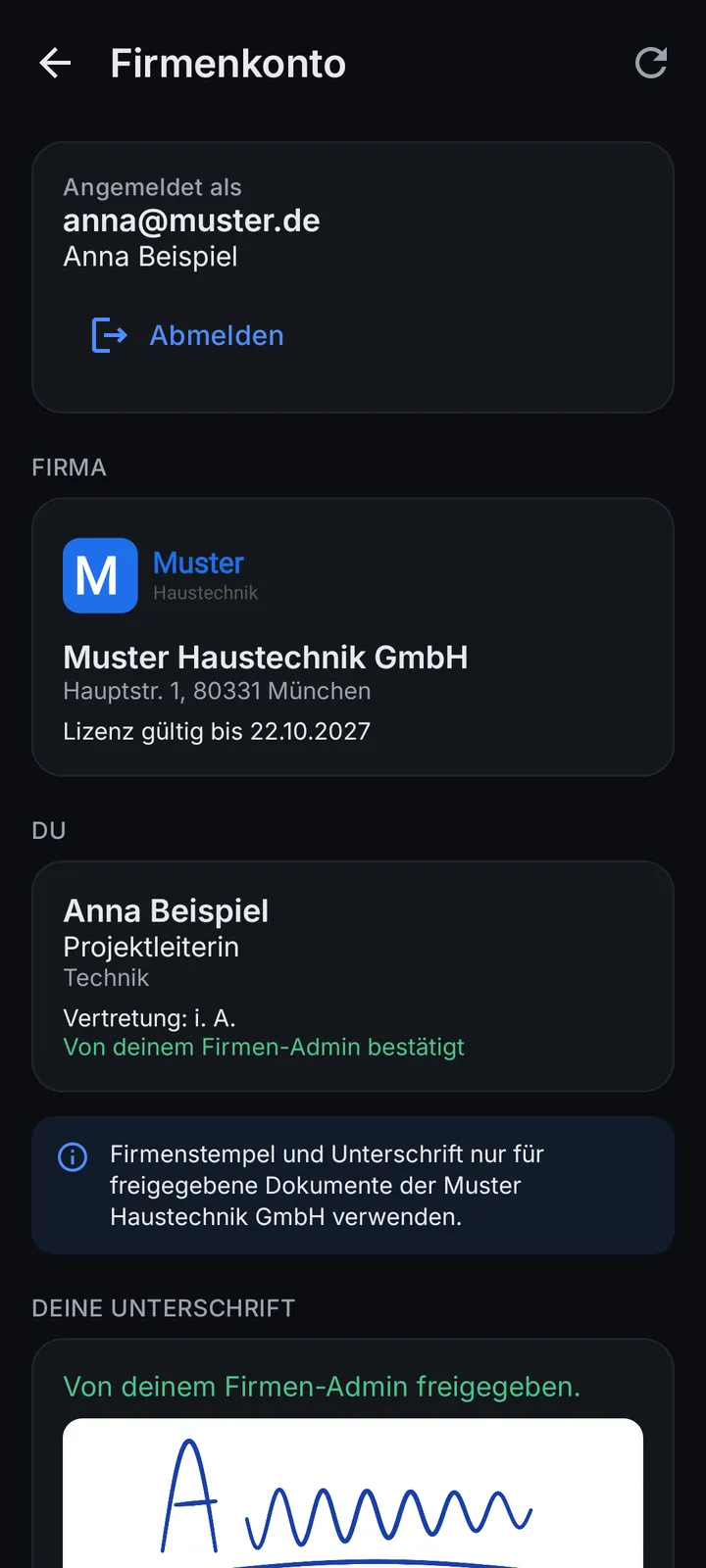
Employees get the company data, the stamp and their approved signature in the app - laid out the German way, with signing authority, place and date. The Android app is included in every company plan, without ads, on all phones and tablets of your team - nothing extra to buy, no device counting.
You stay in control
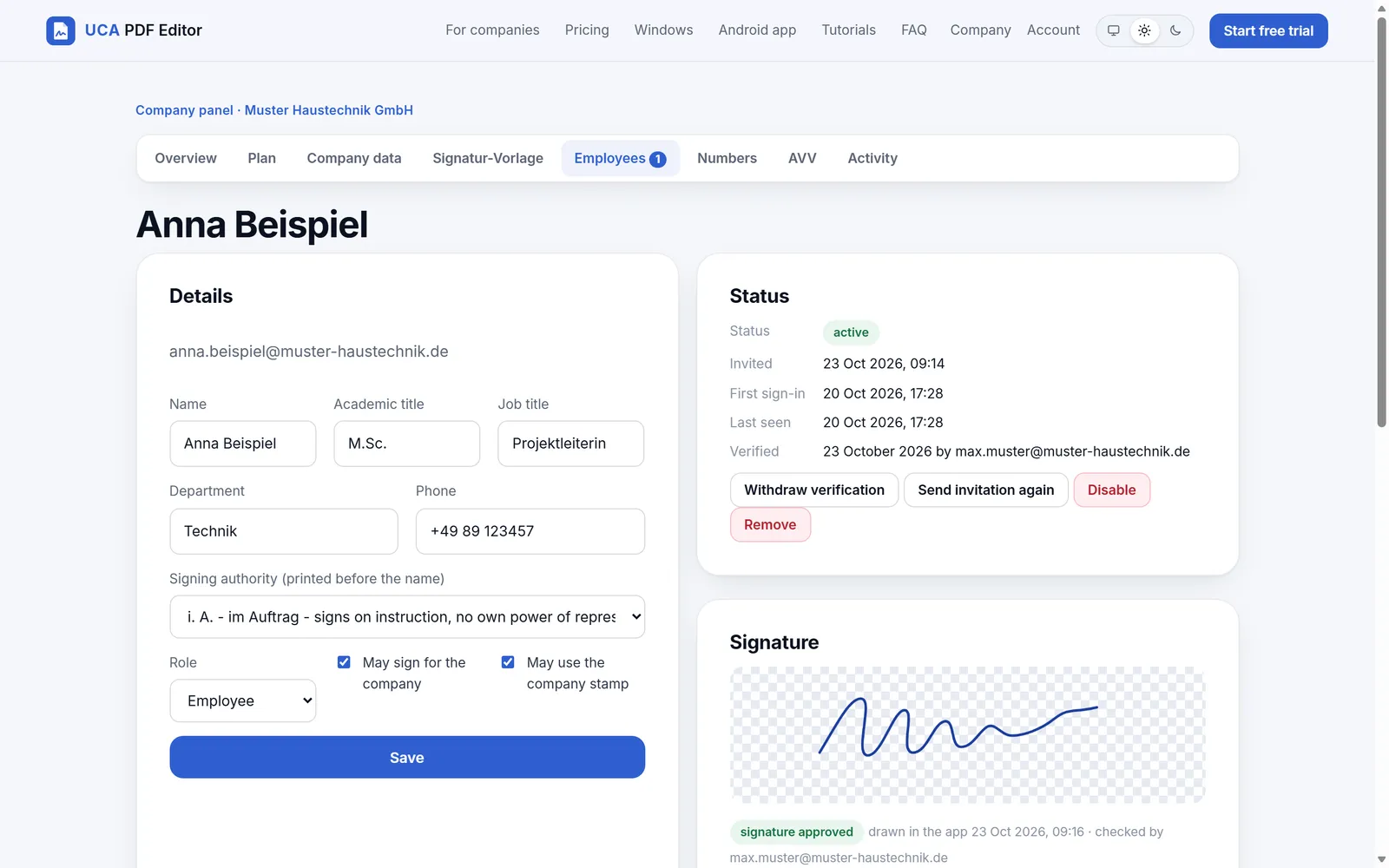
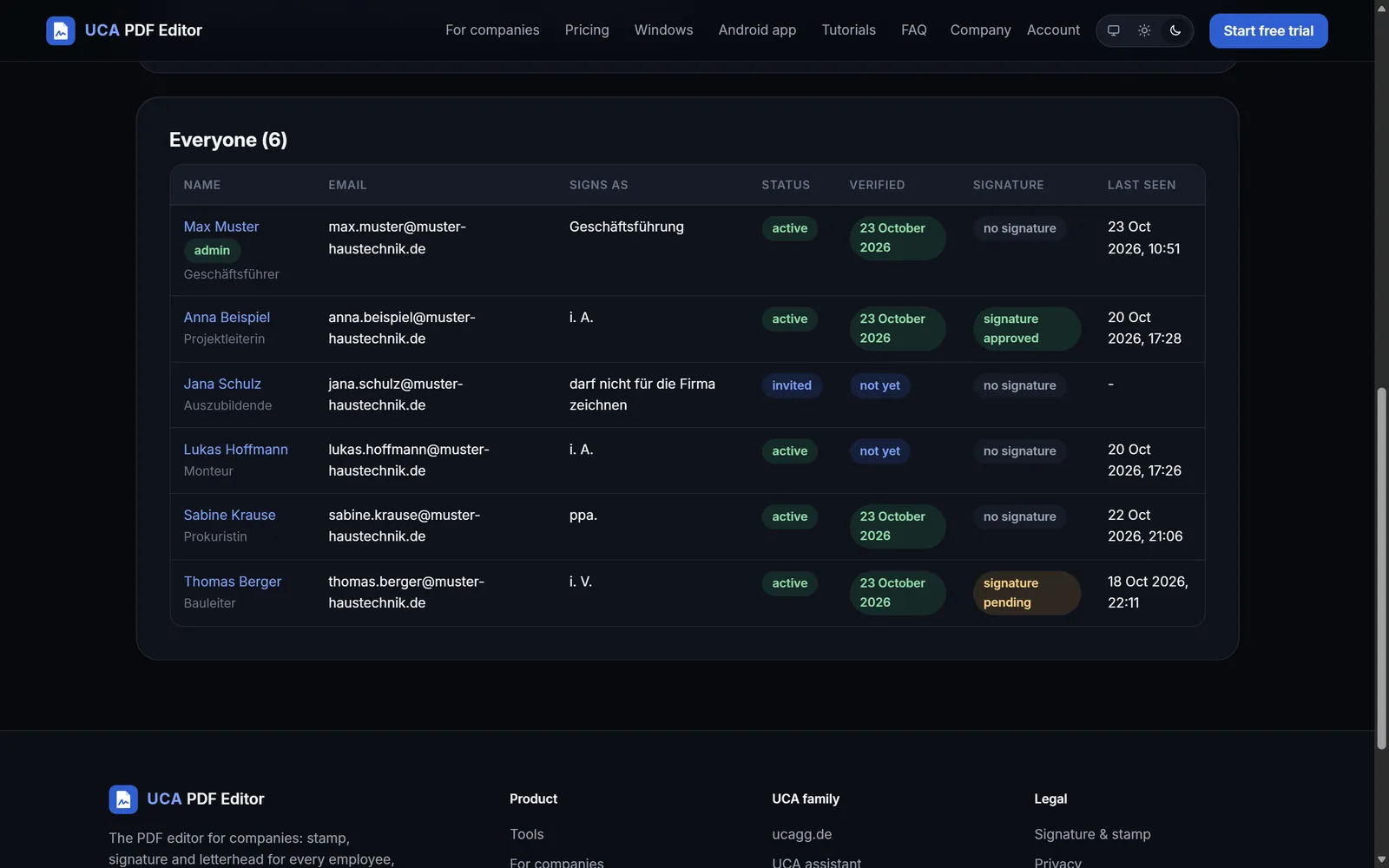
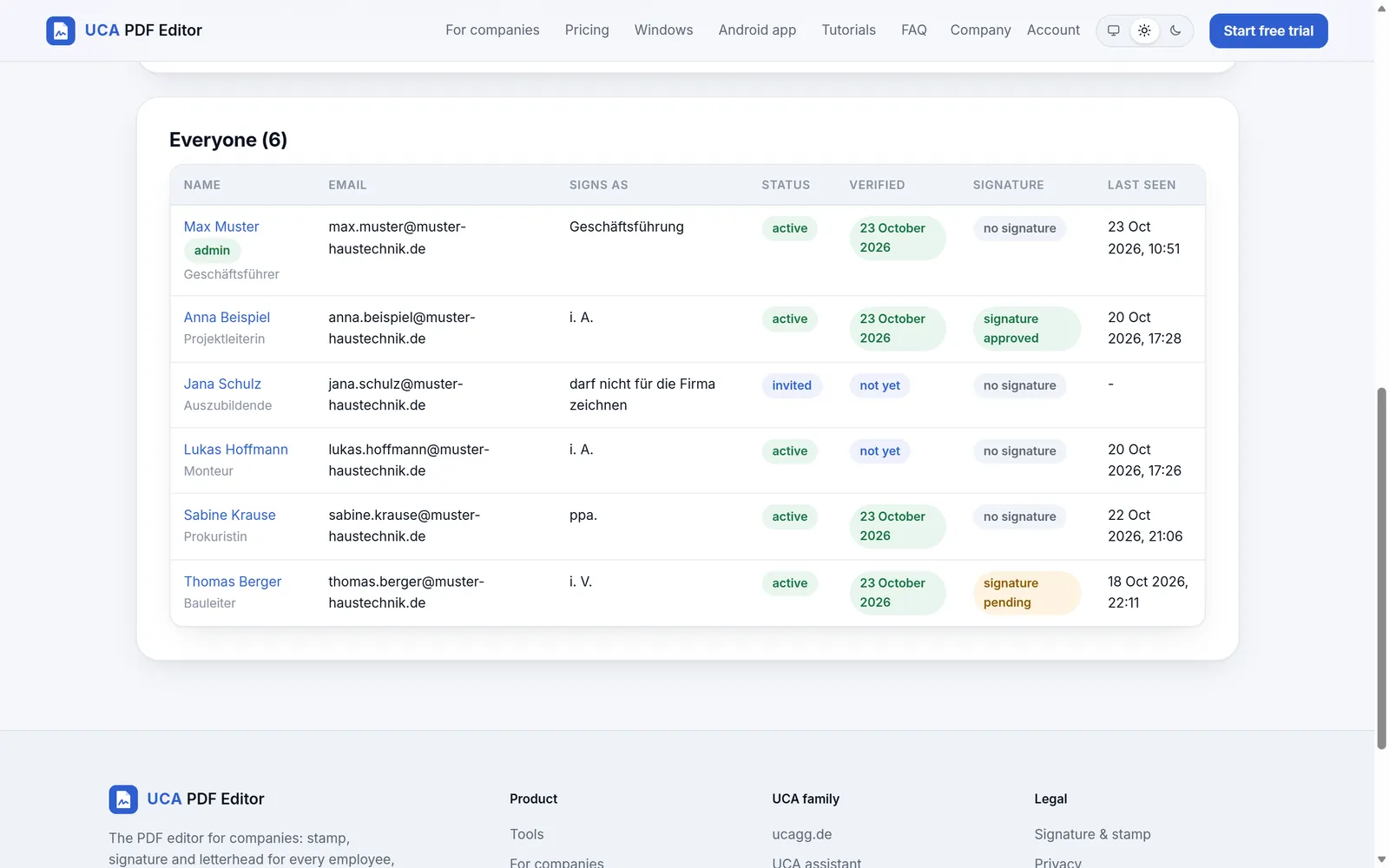
See who uses a seat, invite, remove, give signing authority. Upgrade Starter to Team or Business in one click.
Invoice, offer and delivery-note numbers for the whole company (GoBD), with a log.
Per person. Only verified people stamp for the company.
Upload it once. A stamp has no legal effect of its own - the signer's authority counts.
Every seat gets a UCA PDF Editor licence for the PC: the UCA PDF Editor Standard licence with Starter and Team, the Pro licence with Business. Free a device in the panel.
Data processing agreement (Art. 28 GDPR) in the panel. Who changed what, and when.
Plans
Per company - not per person. Monthly, or yearly with 2 months free. Net prices plus 19 % VAT · for businesses only (§ 14 BGB). Payment through Dodo Payments (merchant of record): card, SEPA and more, with a proper invoice.
12,90 €/ month
129 €/ year
2 months free
net plus 19 % VAT · for businesses only (§ 14 BGB)
up to 3 employees + you as admin, free
14 days free trial
29 €/ month
290 €/ year
2 months free
net plus 19 % VAT · for businesses only (§ 14 BGB)
up to 10 employees + you as admin, free
14 days free trial
89 €/ month
890 €/ year
2 months free
net plus 19 % VAT · for businesses only (§ 14 BGB)
up to 25 employees + you as admin, free
14 days free trial
The trial is free; Dodo asks for a payment method and charges only after the trial unless you cancel before. Monthly plans can be cancelled to the end of the month, yearly plans to the end of the paid year. More than 25 people? Ask for an offer. Already have an account? Company panel sign-in
Also for Windows
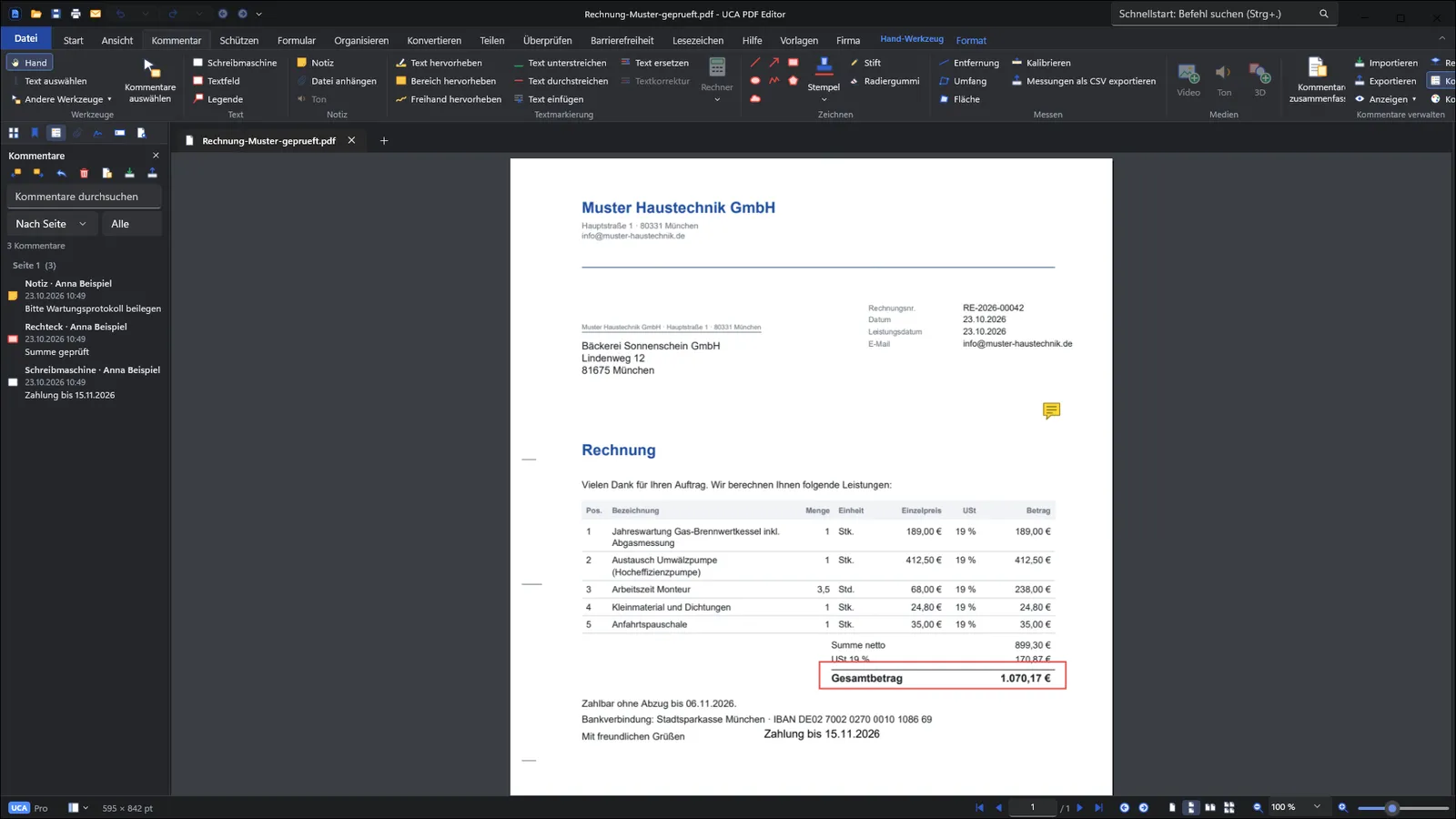
Ribbon interface, quick to learn: comments, forms, OCR, redaction, page tools, invoice templates and the company account. Same account, same company plan as on Android.
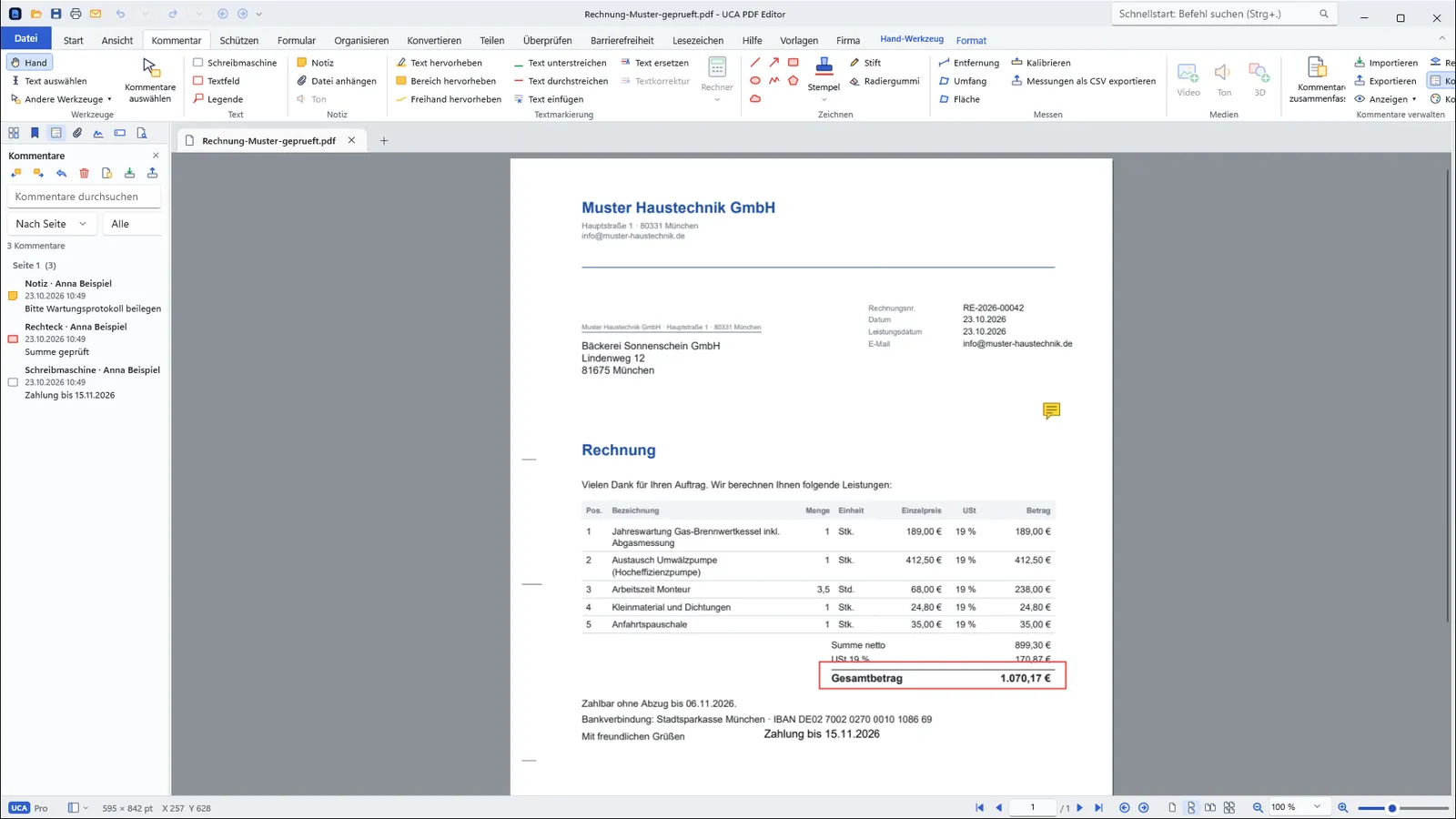
Templates
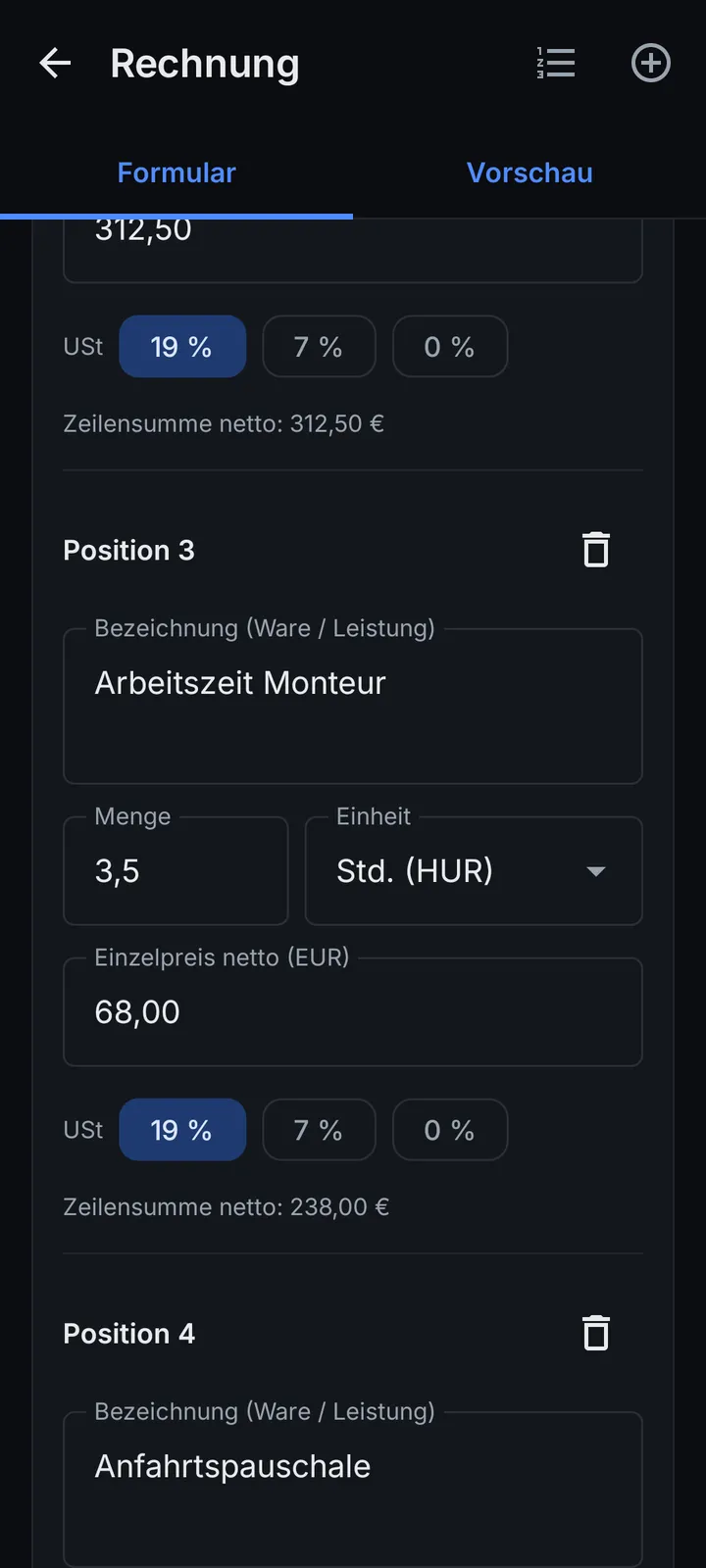
Fill a form, see the PDF live, export. The app checks the mandatory fields of § 14 (4) UStG before you send.
Mandatory fields of § 14 (4) UStG checked; 19 % / 7 % / 0 %, § 19 small business, § 13b reverse charge, small invoices up to 250 €.
ZUGFeRD / Factur-X (EN 16931): a PDF with the XML inside, for the B2B e-invoice rules from 2027/2028.
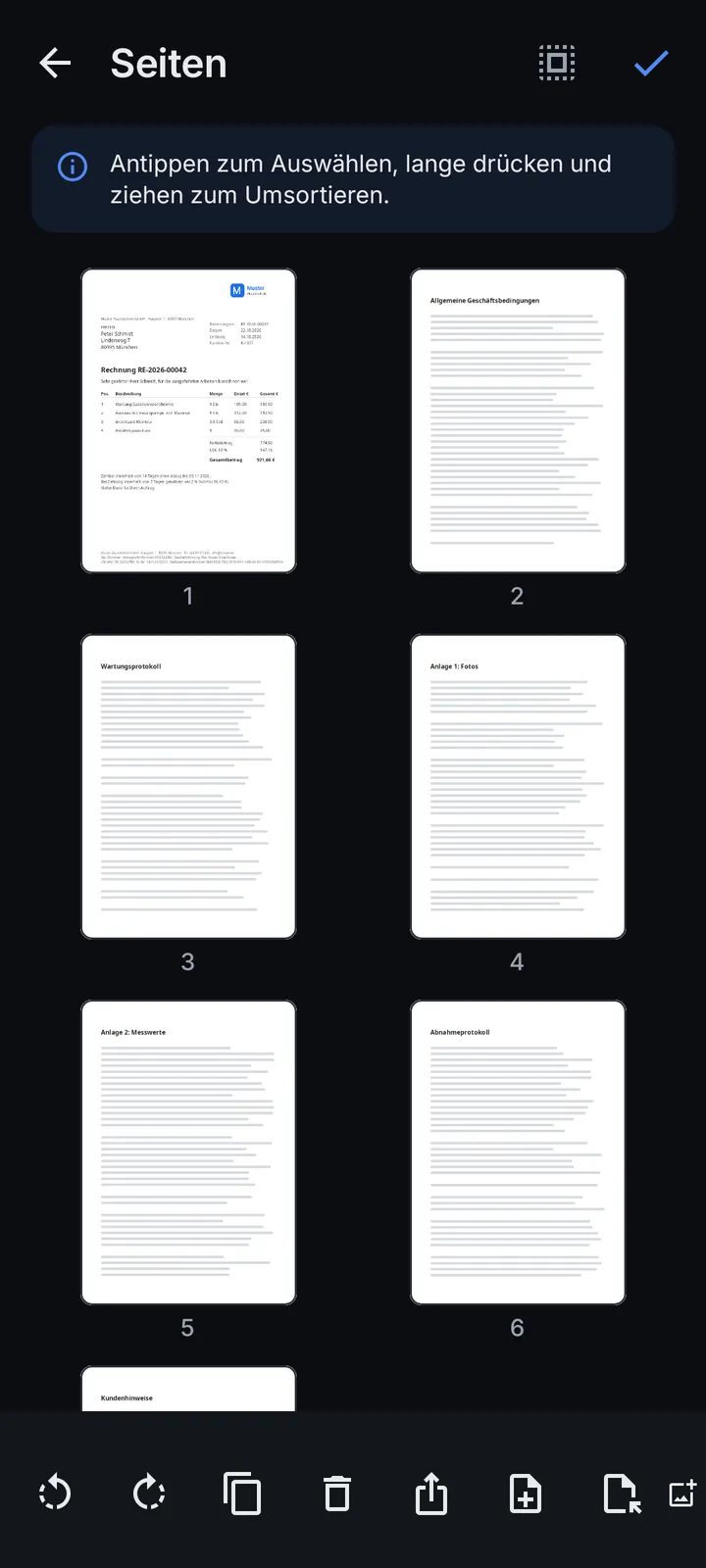
Offer, order confirmation, delivery note and receipt with the same data, numbered without gaps.
Address window, info block, subject, signature block - and the mandatory company data of § 37a HGB in the footer.
The Android app
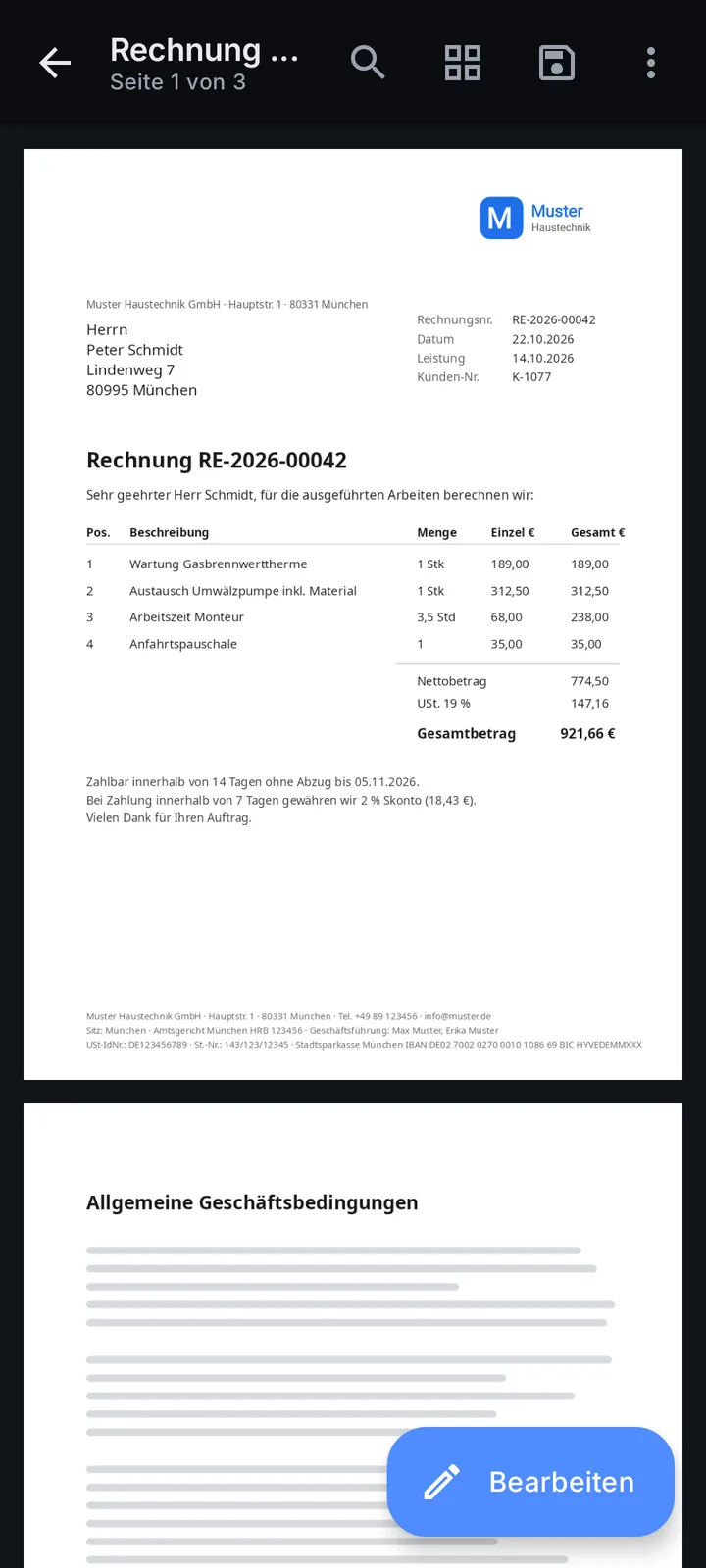
Free with ads for everyone. Without ads and included in the price for every employee of a company plan - on phones and tablets alike; also ad-free with UCA PDF Plus or for the account of a Windows licence. Works offline; your documents stay on the device.
Honest about the law and your data
FAQ
For companies that want every employee to use the company stamp, approved signatures and letterhead - on Android and Windows. The Android app is also free for anyone, with ads.
Starter 12,90 € a month for up to 3 employees and Team 29 € a month for up to 10, both including the UCA PDF Editor Standard licence for every user; Business 89 € a month for up to 25, including the UCA PDF Editor Pro licence. Yearly you pay 10 months and get 12 (129 €, 290 € or 890 € a year). All net plus 19 % VAT · for businesses only (§ 14 BGB), per company. Your own admin seat is free. 14 days free trial, once per company. More than 25 people: ask for an offer.
It is a simple electronic signature under eIDAS, admissible as evidence and freely assessed by the court; enough for most business documents that need no special form. It is not a qualified electronic signature and does not replace the German written form (§ 126 BGB).
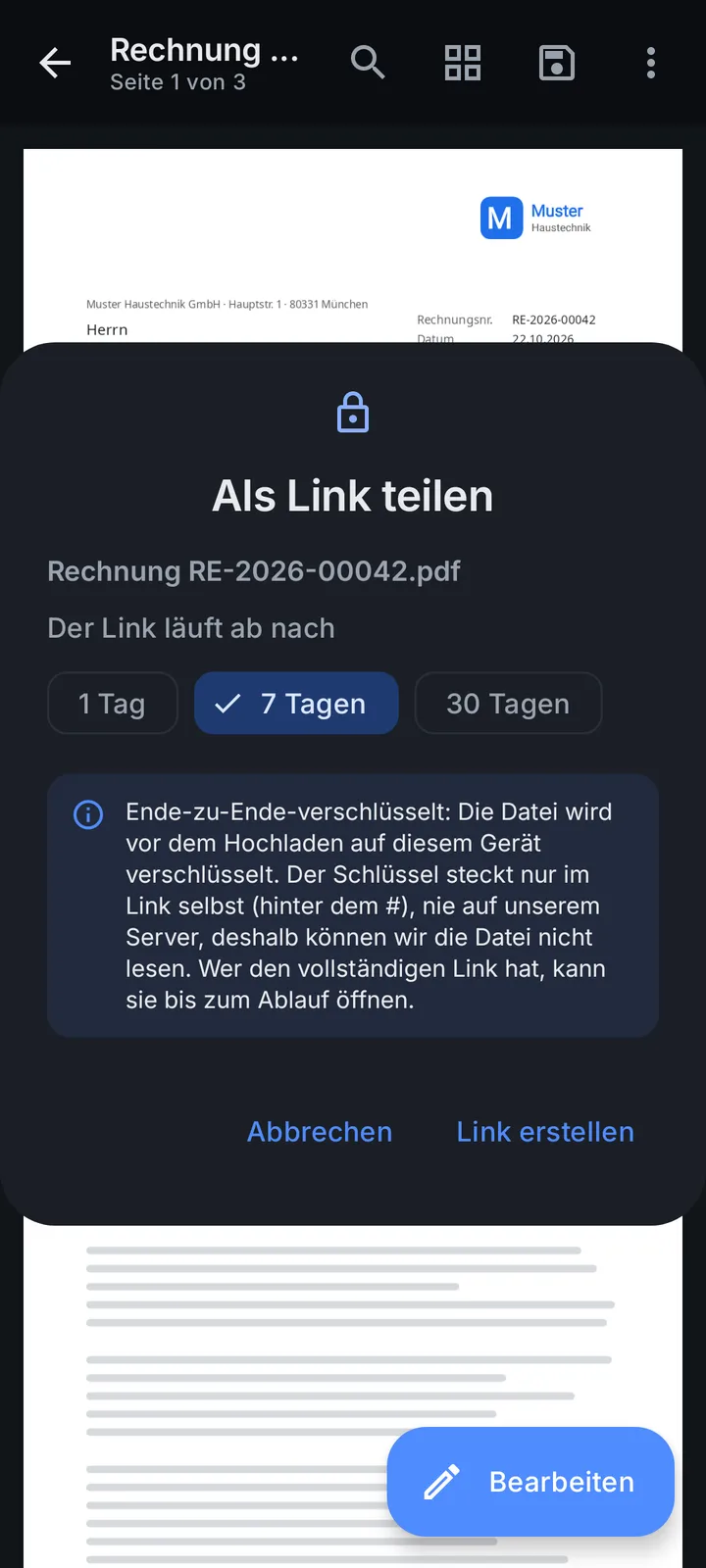
No. Everything happens on the device. Only when you create a share link is the file uploaded, encrypted on the device first, so our server cannot read it. Links expire after 1 to 30 days.
The invoice template checks the mandatory fields of § 14 (4) UStG and can create ZUGFeRD / Factur-X e-invoices. You stay responsible for the content and for keeping invoices 8 years.
No. Every company plan includes the Android app for each employee - without ads, on as many of their own Android phones and tablets as they like. They sign in once with their company e-mail; that is all.
With their company e-mail and a 6-digit code - no passwords to hand out. The admin invites them in the panel; they are in immediately.
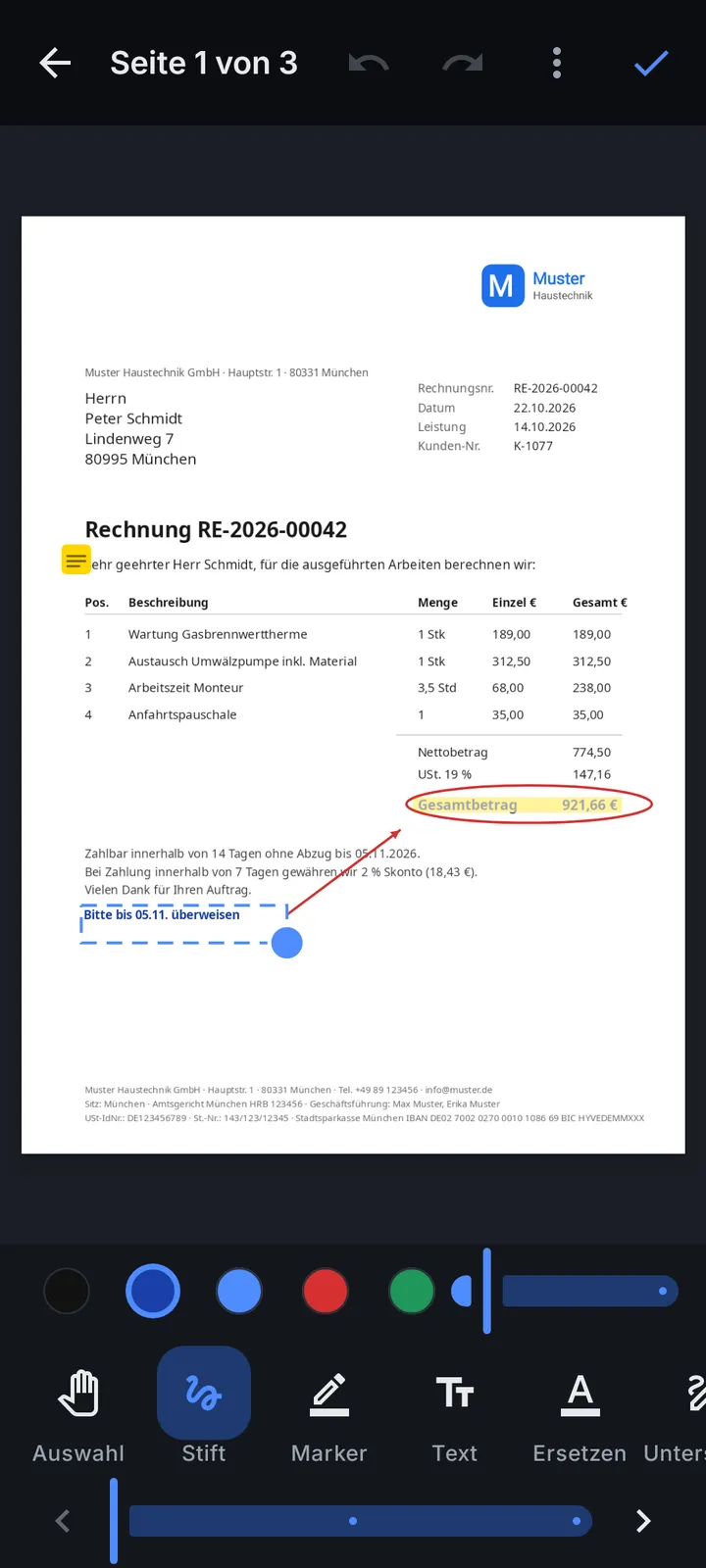
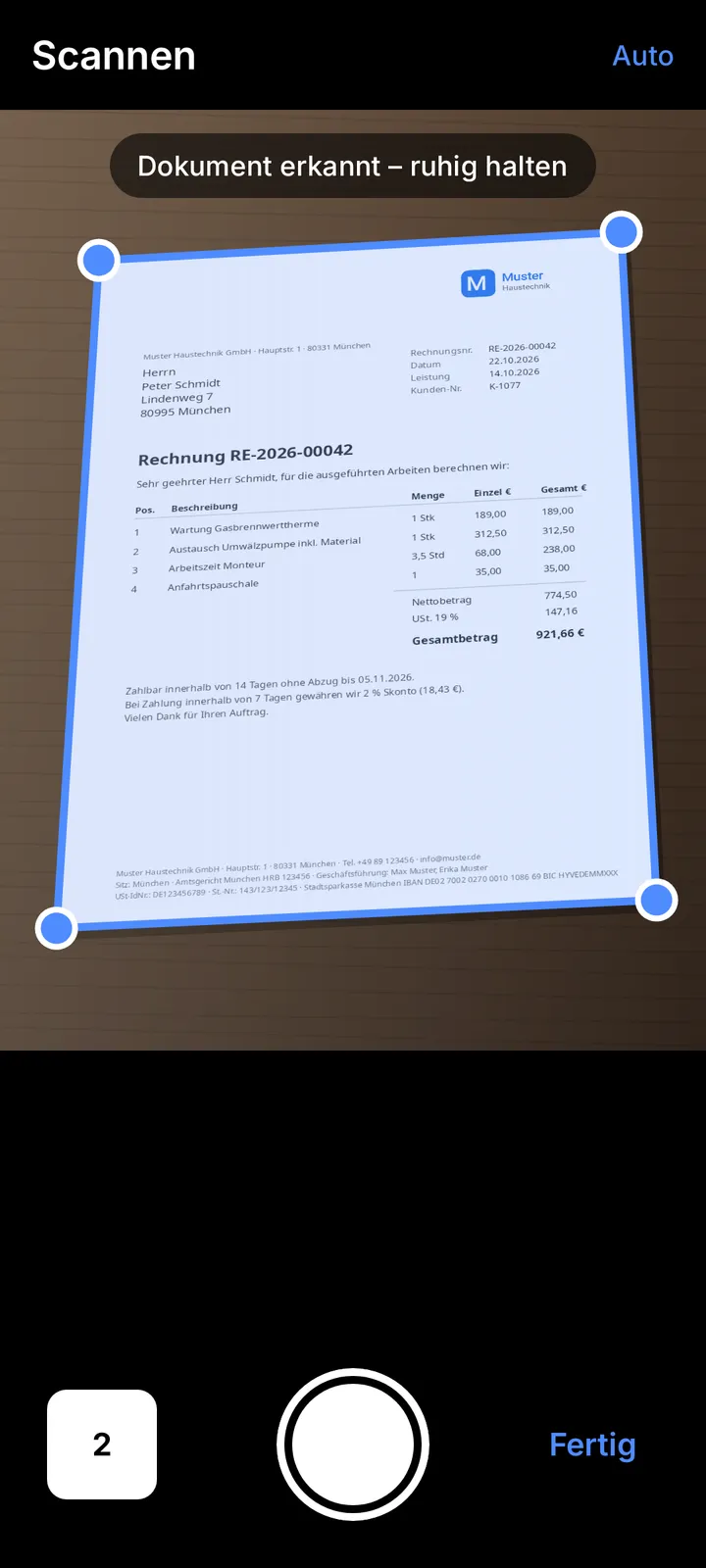
Open, edit, sign, stamp, scan and send - on Android and Windows.
UCA PDF Editor is on its way to Google Play. Until it is there, download the app here as an APK - it is the same app, signed by UCA. Once it is in the Play Store, the app tells you.